Features overview
Track every domain detail
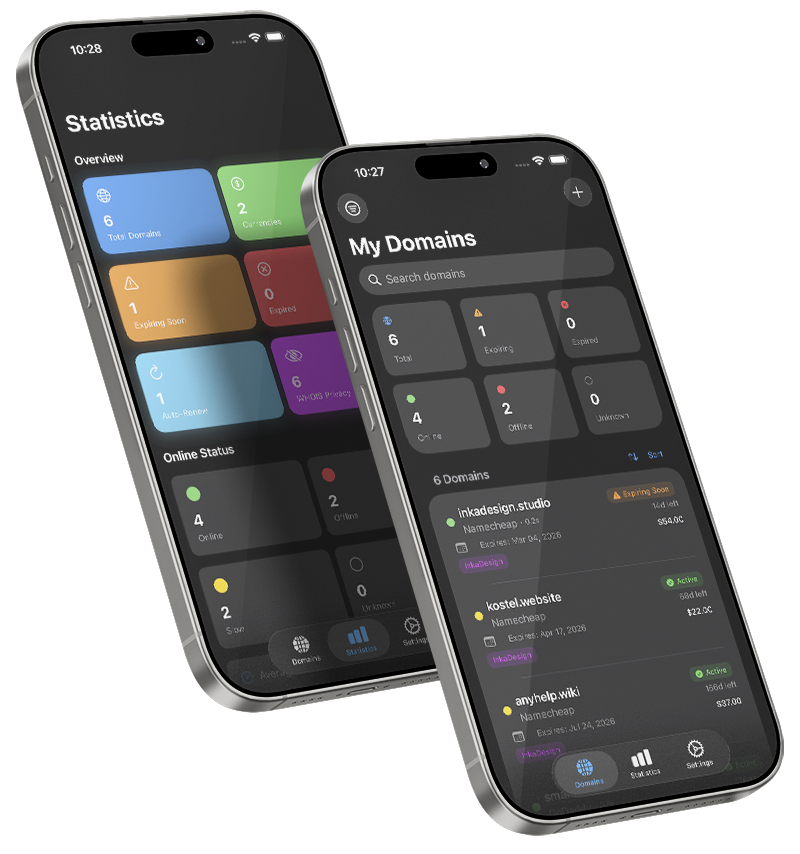
Domain Manager PRO lets you store everything that matters about a domain: registrar, registration and expiry dates, renewal cost and currency, category, tags, notes, auto-renew status, and WHOIS privacy. You can search by domain, registrar, or tags, filter by status or category, and sort by expiry date, name, registrar, cost, or status.
Open any domain for a clean, card-based detail view that highlights online status, key dates, costs, and notes, with swipe actions for quick edit or delete.
Smart expiry reminders
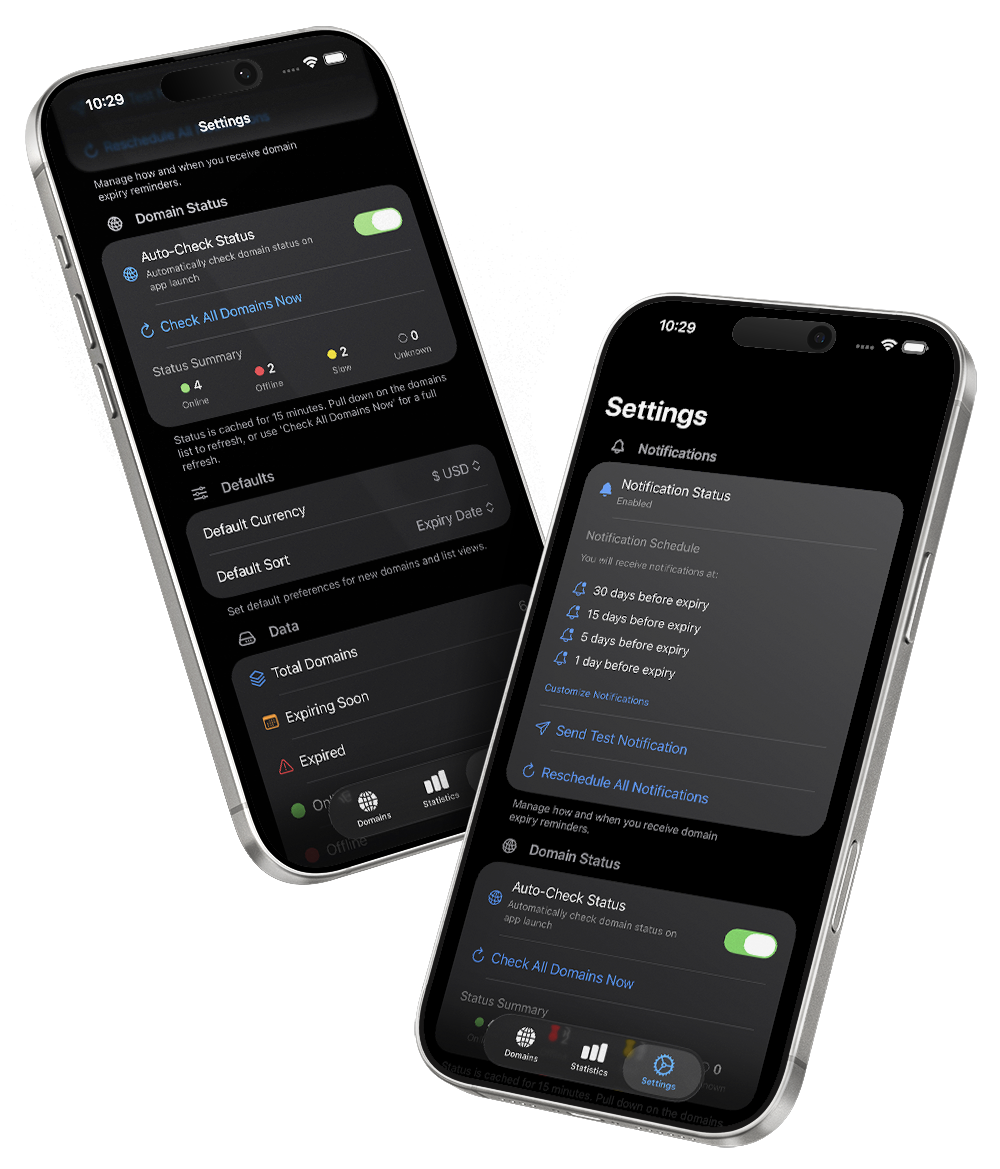
The app automatically schedules reminders when you add or edit a domain, so you're notified well before renewal deadlines. You choose how early to be reminded (30, 15, 5, and 1 day by default), can trigger a test notification, and can reschedule all reminders from Settings after changing your preferences.
Only domains that are not expired get reminders, so you won't be spammed about names you've already let go.
Online status monitoring
Domain Manager PRO can check if your domains are reachable and classify them as Online, Offline, Slow, or Unknown. You see a color indicator and optional response time in the list, full status plus "last checked" in the detail view, and aggregated information in the Statistics tab.
Checks are smart and lightweight: results are cached for a short time to reduce battery and data usage, domains are tried over https/http with and without "www", and a timeout ensures the app stays responsive. You can enable auto-check on launch or trigger manual refreshes from the list, a domain detail, or Settings.
Statistics and analytics
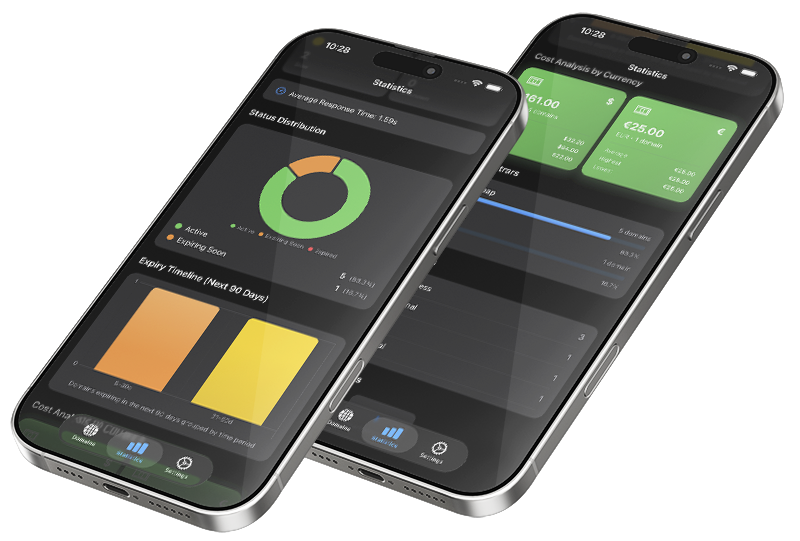
The Statistics tab gives you a high-level overview of your portfolio: total domains, how many are expiring soon or expired, which are set to auto-renew, and how many have WHOIS privacy. You also see online/offline distribution, expiry timelines, cost totals and averages, registrar breakdowns, category distributions, and your most-used tags.
With pull-to-refresh, you can quickly update both statistics and online status at any time.
Powerful organization
Use predefined categories like Business, Personal, Development, Portfolio, Blog, E‑commerce, Investment, Expired, and For Sale, or keep everything under General. Combine categories with custom tags and free-form notes to match your own workflow, whether you're tracking client domains, side projects, or investments.
Flags for auto-renew and WHOIS privacy help you see at a glance which domains are protected and which need manual attention.
Easy backup and migration
Domain Manager PRO is built around the idea that your data is yours. Export your domains to a human-readable JSON file for full backups you can re-import anytime, or to CSV for spreadsheets and external analysis.
When importing from JSON, you get a clear preview and duplicate detection by domain name, with options to replace existing entries or skip duplicates. Your backups can be saved or shared via Files, iCloud Drive, AirDrop, email, or other apps.